
Choose Wi-Fi for a direct connection to the supported wireless network, or Zigbee for a gateway-based control system. The practical decision includes the wiring available at the switch, the intended load and the functions required in the app.
Two model-specific connection arrangements
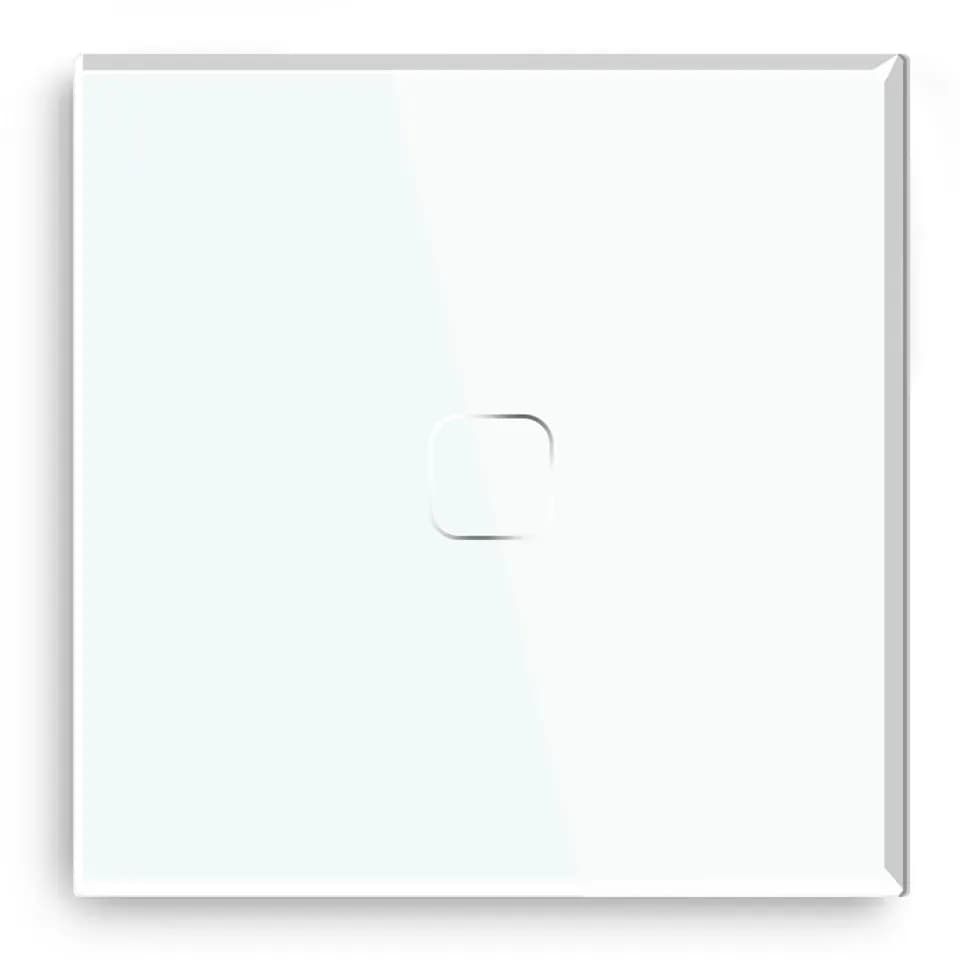
Admore SSW-001 is a white single-control touch switch using 2.4 GHz Wi-Fi and Tuya Smart Life. It requires a neutral wire at the switch and connects without a separate Zigbee gateway.
Admore SSW-001Z-B is a black single-control touch switch using a compatible Zigbee 3.0 gateway. It requires no neutral wire at the switch. The gateway provides the connection to its supported app, automation and voice integrations.
Requirement | SSW-001 | SSW-001Z-B |
|---|---|---|
Communication | 2.4 GHz Wi-Fi | Zigbee 3.0 |
Connection | Direct Wi-Fi; Tuya Smart Life | Compatible Zigbee 3.0 gateway |
Neutral at switch | Required | Not required |
Front panel | White tempered glass | Black tempered glass |
Control functions | Touch and supported app functions | Touch and gateway-supported functions |
Neutral requirements follow the exact switch design, not a universal rule for Wi-Fi or Zigbee. These two models illustrate different wiring and connection arrangements.
Network and gateway planning
For Wi-Fi, provide 2.4 GHz coverage at the proposed switch locations and organise access to the app account. For Zigbee, include the gateway and its supported device functions in the system schedule. The Connectivity Standards Alliance overview explains the Zigbee networking approach.
Scenes and schedules support coordinated operation, while voice features depend on the linked service or gateway integration. Record the required behaviour after internet or power interruptions for commissioning.
Electrical and practical checklist
- Identify the exact switch model, finish and number of control points.
- Have the installer assess neutral availability, wall-box space and circuit conditions.
- Match the electrical load type and permissible load to the model’s instructions.
- List the app, gateway where needed, required scenes and handover account arrangements.
A touch on/off switch, dimmer, curtain control and smart socket perform different electrical functions. Select the required function from the Wi-Fi range or Zigbee range, alongside the wider smart-switch category.
Building the project enquiry
Use the BOQ guide to organise models, quantities, load details and the control system. Send the control schedule for a project quotation and supplier-confirmed availability.